
Run a sample center, right now.
Open your own copy of Harbor Bend, a center full of people, gifts, events, classes and volunteers. Click anything. Change anything. Nothing you do is kept.
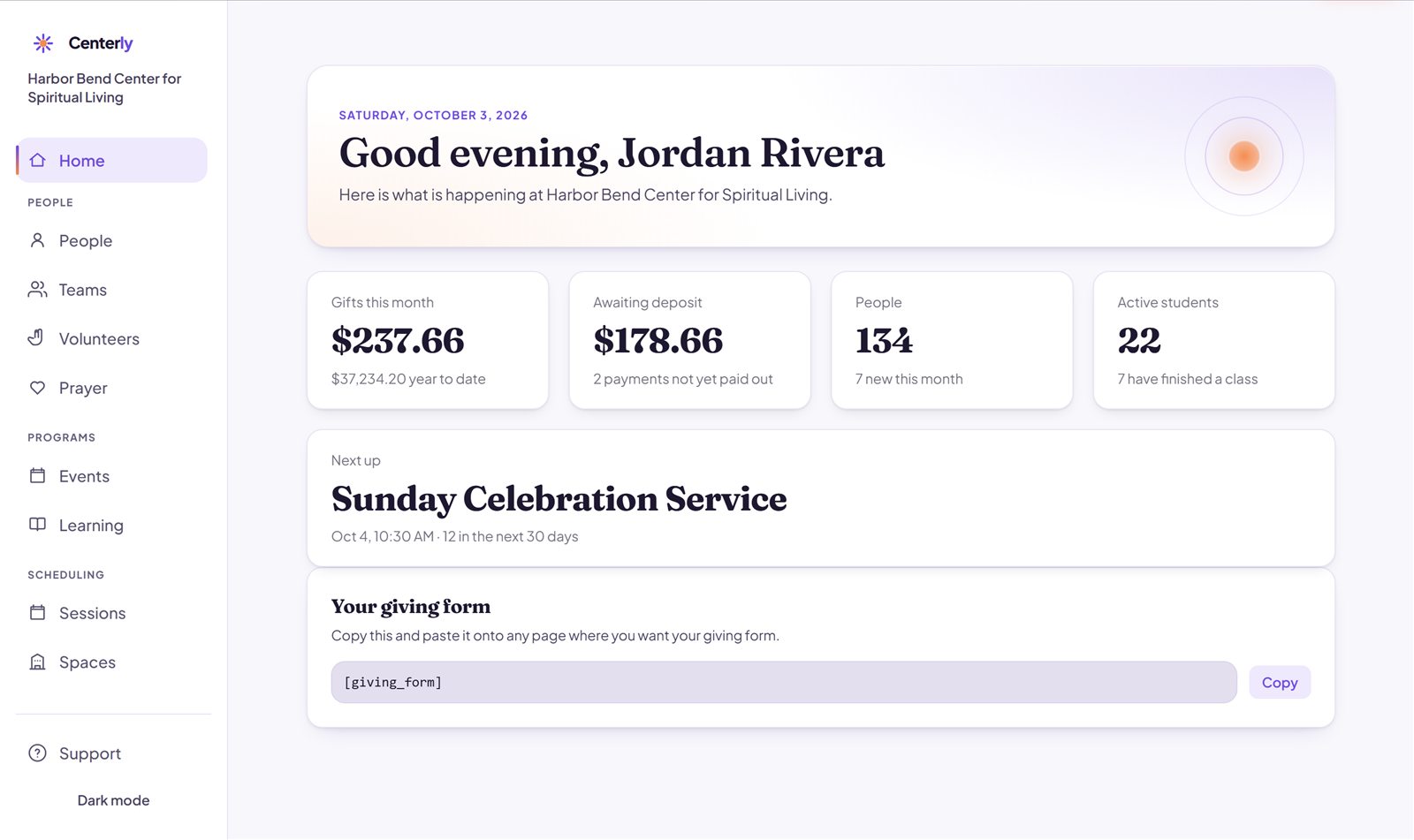
Every part of a center, already filled in.
Nothing to set up and no empty screens. Harbor Bend has a year of real-looking activity, so you can see how Centerly works on an ordinary Tuesday.
People & giving
134 people with their giving histories, ongoing gifts and weekly deposits.
Events & calendar
A month of services, classes and gatherings, on the calendar and the website.
Classes
Three classes with lessons, enrolled students and people who have finished.
Teams & volunteers
Greeters, music and hospitality teams, with Sunday schedules and sign-ups.
Prayer & sessions
Confidential prayer requests, and one-on-one sessions booked with ministers.
The website
A finished public website that changes as you work in the Console.
The Console
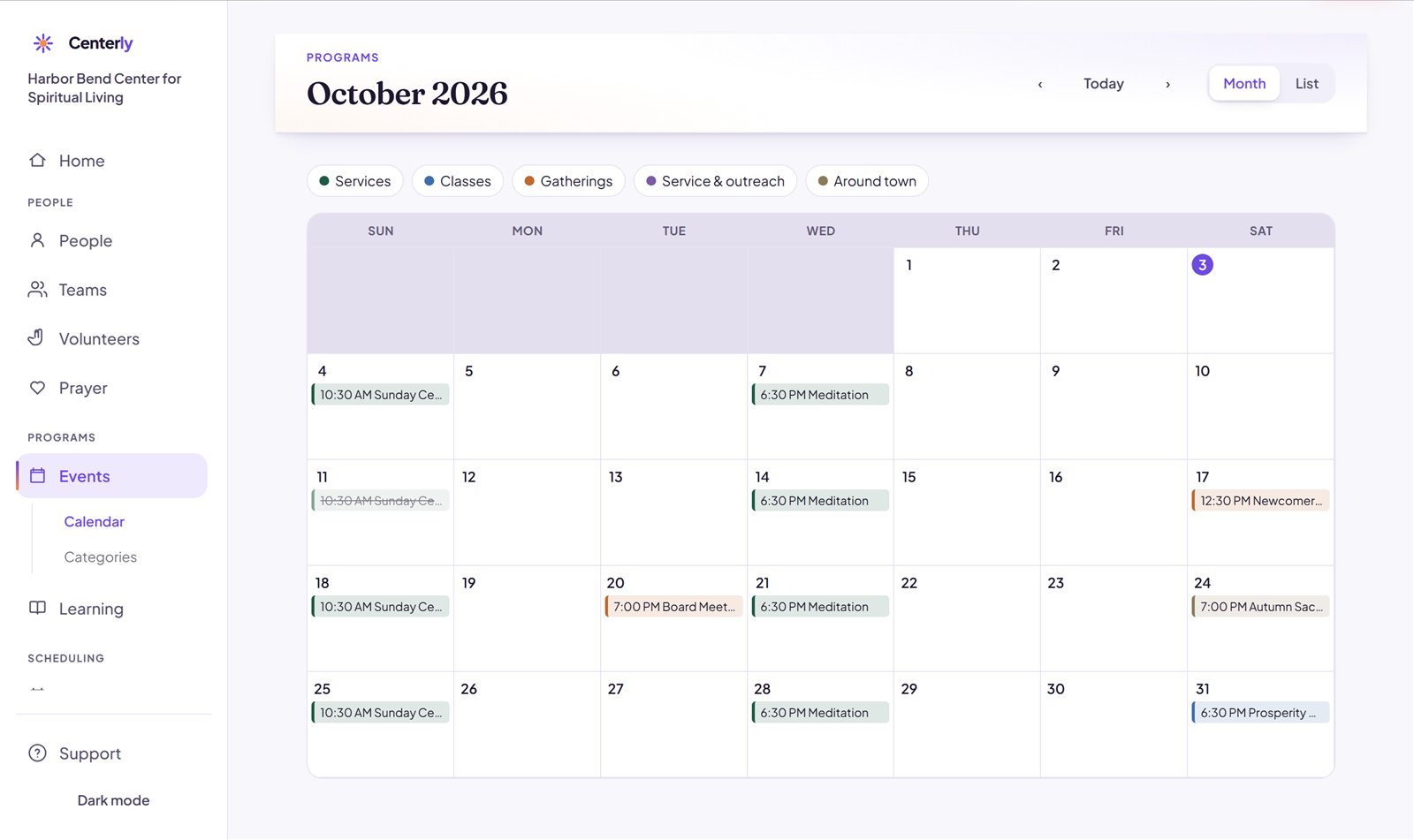
Plan the whole month in one place.
Services, classes and gatherings on one calendar. Add an event and it appears on the center’s website at once.
- Repeating events, like every Sunday at 10:30 AM
- Cancel or move a single date without touching the rest
- Month and list views, colored by category
The website
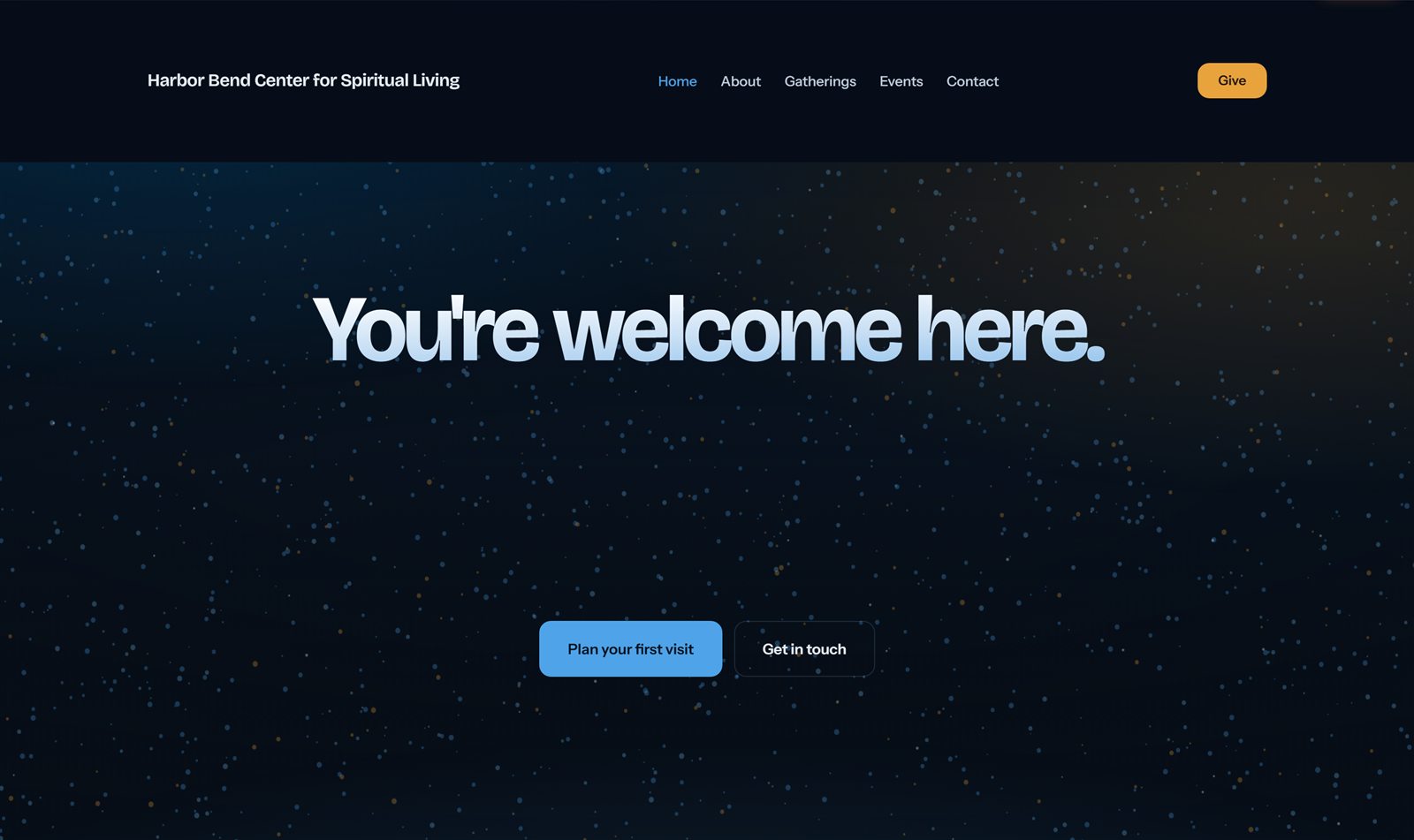
Give on the website. Watch it arrive.
The sample center has a real public website. Make a gift on its Give page, then open Payments in the Console: it’s already there. No card is charged in the demo.
- Pages, menu and colors you change from the Console
- Events and the giving form update themselves
- Your own Stripe account when it’s for real
Giving
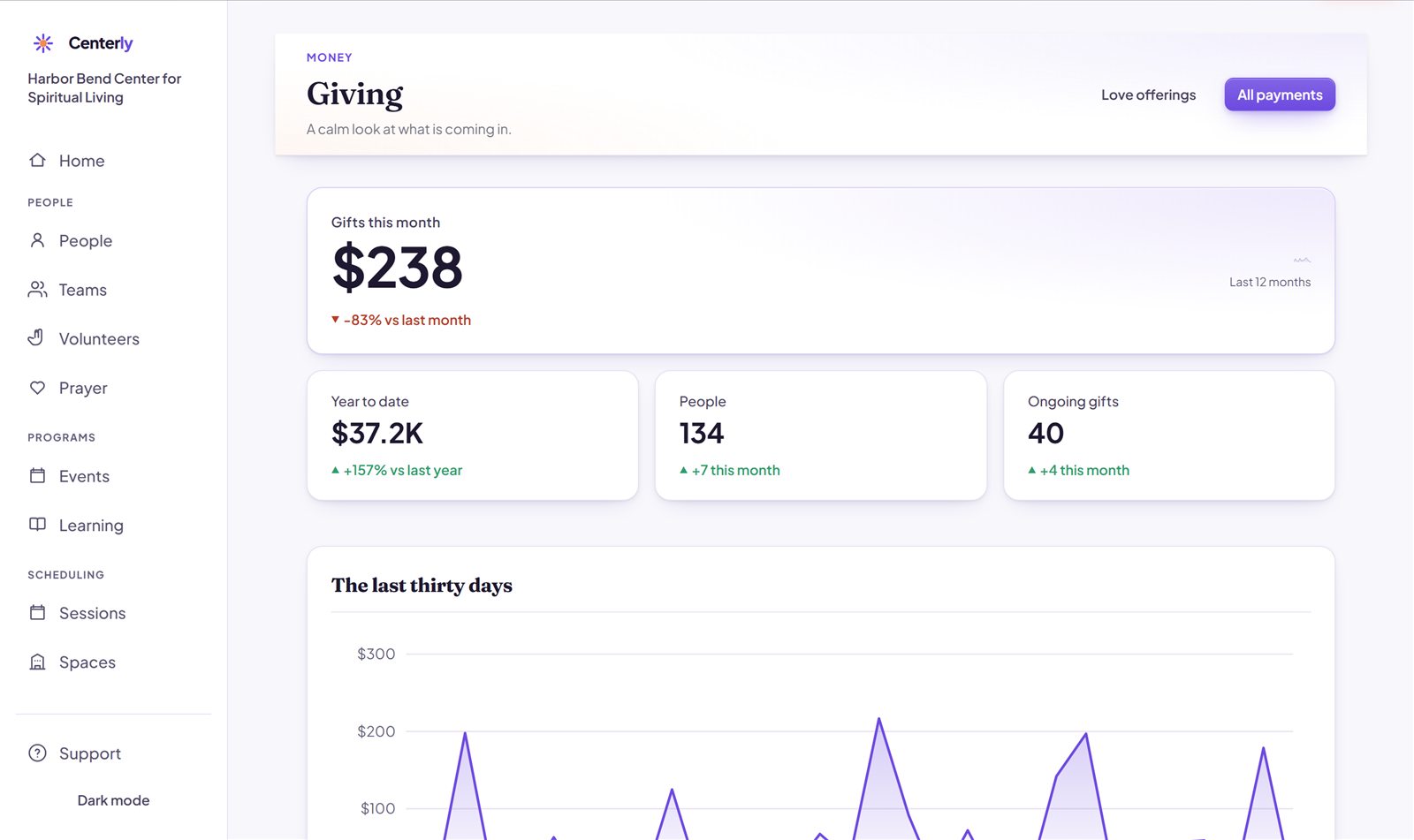
Know what’s coming in, without a spreadsheet.
Gifts, ongoing gifts and deposits, with Stripe’s fee and what you actually received on every one.
- Funds and love offerings in your own words
- Weekly deposits matched to the bank statement
- Year-end statements for every giver
Three steps. No strings.
Open the demo
One click. You get your own private copy of Harbor Bend, signed in as its director.
Try anything
Add a person, give on the website, build a class, drag the website’s menu around. It all works.
Leave whenever you like
Your copy is deleted two hours after you stop. Click Start over at any time for a fresh one.
Want a walkthrough with a person?
Fifteen minutes, no slides. We will open the Console, answer what you actually want to know, and tell you honestly if Centerly is wrong for your community.